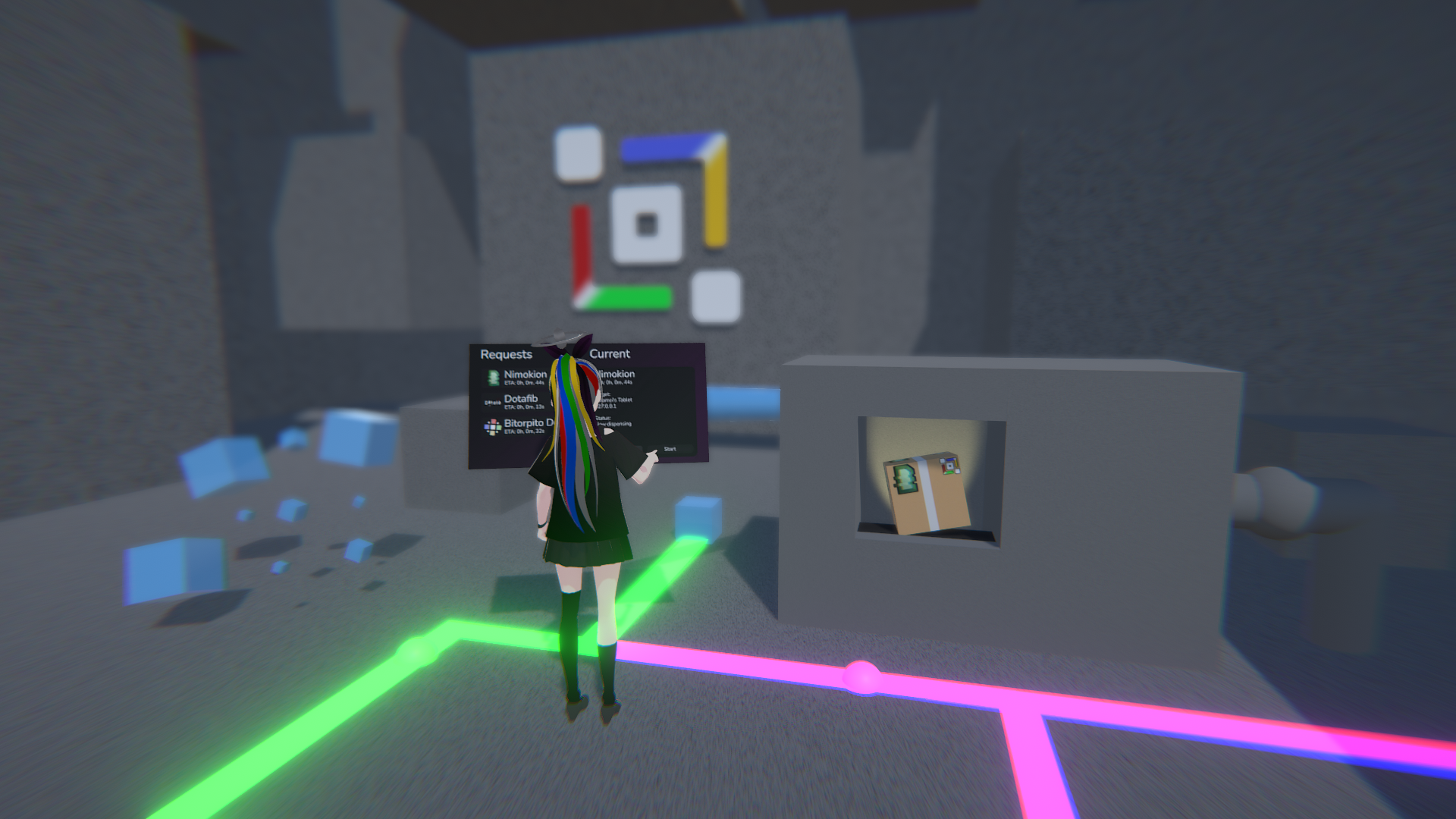
After a long time after Particle’s announcement, we are proud to announce that you now have a first look into what is happening with 5.0 Particle’s release with the first Alpha build! You can get this version by changing to the Alpha channel in settings.
Note: The Alpha channel is often unstable and buggy and may be unusable and cause irreversible changes. Unless you’re a developer, it’s best to stay on the Beta or Stable channel.
How can I change to this version?
To use the Alpha version (5.0 Particle Alpha 1/1), change to the alpha channel by going to the ‘Settings’ page via the sidebar, scrolling to the ‘Advanced’ section and switching the ‘Release Channel’ from Stable to Alpha. You will be prompted a warning due to issues the Alpha channel may cause.
Can I change back to the Stable / Beta channels?
Yes, you can downgrade from 5.0 Particle Alpha 1/1 to 4.5 Bloom if something goes wrong or you wish to return to a stable build. Please note that downgrading will loose all changes in Particle.
Are my custom project and settings compatible?
Yes, all custom projects (both from an installer file and via settings) will work in Particle and should continue to work.
Is there anything as a developer I should know?
Most changes in this build are UI/UX changes and backend changes however, one change developers should know is SplameiPlay can now pass boot arguments to projects. The first argument always being --launchHint=SplameiPlay. This should only be used as a hint that the project was launched through SplameiPlay but not as a direct answer since others may spoof the argument.
Final notes
We’re still working on the update with more major changes planned. We’re aiming to get this update out by the end of this year though we can’t guarantee it. We’ll update the official documentation while working on the update and all the changes being listed once a final release is made.