SplameiPlay Bloom is the next major update to the store making some major changes and updates to the store so it’s better and more advanced. Below are the patch notes.
A new theme and background
- The SplameiPlay Bloom theme has been added giving you a nice black and purple theme
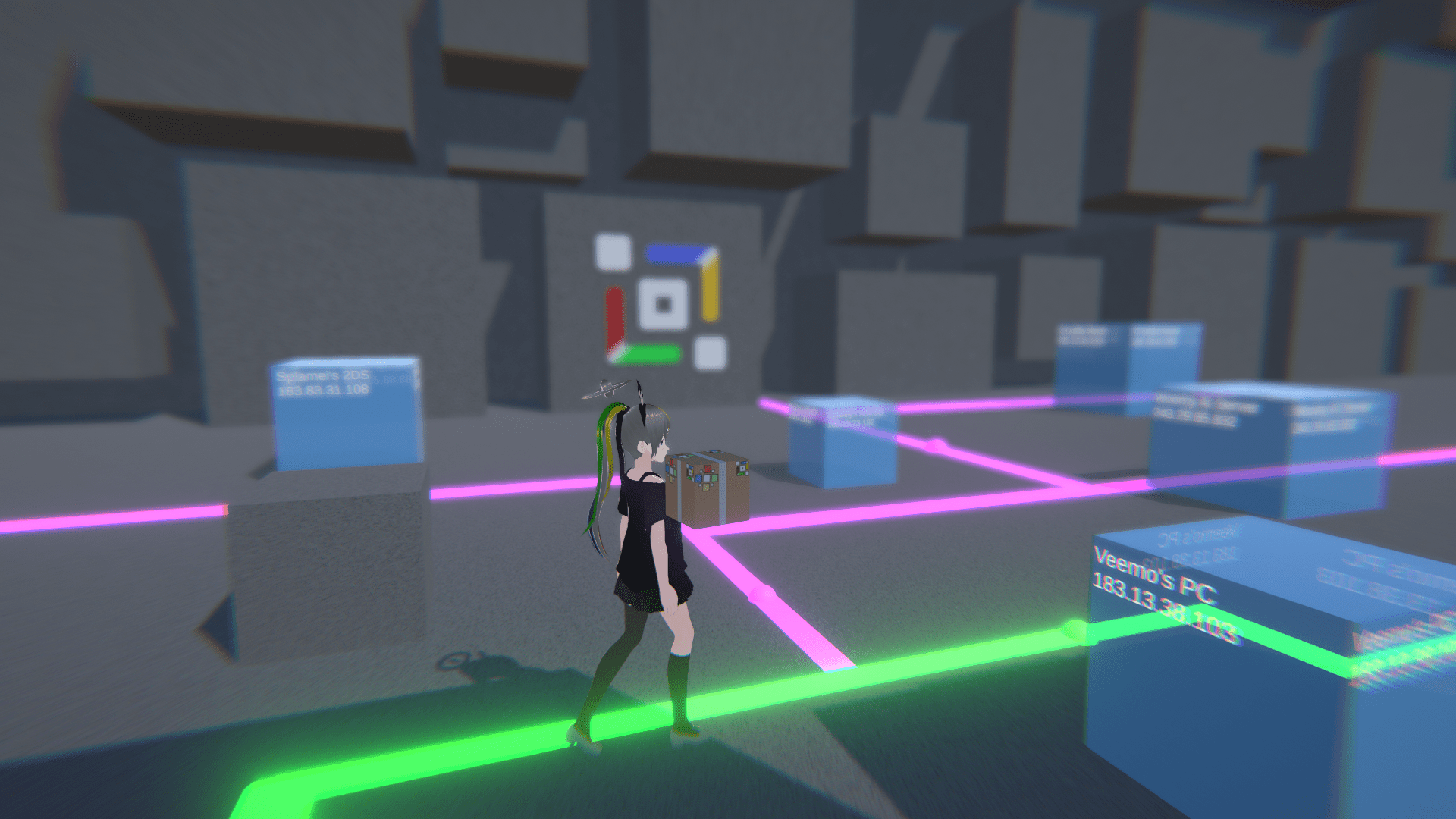
- The new Bloom background is a massive update compared to the backgrounds of Albedo and Gradient featuring the new SplameiPlay OC
New Projects has been added
- The PC version of the Rhythm Plus – Splamei Client is now available within SplameiPlay
SplameiPlay is now easier to navigate and use
- There is now some extra ‘Hello Text’ messages that can now be displayed
- The scroll speed on most scroll views within SplameiPlay is now 75 instead of 25 or 50
- The welcome screen has been added welcoming new users to SplameiPlay Bloom and beyond
- The project page has been resigned allowing you to easily see the rating, licence, requirements and more in an easy to understand layout
- When pressing ‘All Notices’, ‘More Info’ or similar buttons that open links and are controlled by a project, a message now shows warning you about the link
- A banner now shows on the home section of SplameiPlay showing you major updates and notices about SplameiPlay and projects
- SplameiPlay no longer warns you about closing
- When a download is being performed and you attempt to close SplameiPlay, you now have the option to have SplameiPlay close once done
- SplameiPlay can now download and open the installer for you
Custom projects are finally here
- Custom projects can now be added thought the SplameiPlay Store app or via an
.spinstallerfiles - Custom projects (in installed via an
.spinstallerfile) provide information to SplameiPlay allowing projects that act like native projects to be added. More on how to format installer files will be provided in the docs which will be released at a later date.
See you year at a glace
- Recap is a new feature added to SplameiPlay allowing, during the month of December, to show your year with SplameiPlay. This data is saved in
recap.savin your App Data roaming folder. SplameiPlay will not share this data and it is kept with you - Recap can be disabled though settings if you wish though the data recap will have will be incorrect for the rest of the year
The installer and exe has slightly changed
- SplameiPlay (be default) now has the option to run at start up though this can be disabled when installing SplameiPlay or though Microsoft Window’s build-in Task Manager app if SplameiPlay is already installed
- SplameiPlay is now shipped in a single exe file containing all the binary’s required for SplameiPlay to run. This is to prevent tampering and modification’s to it’s code. This is a trial feature and may get reverted at a later date
- SplameiPlay’s installer exe and single executable file is now digitally signed allowing you to prove that SplameiPlay is coming directly from it’s source. You may need to install the certificate used to verify it’s integrity and that it’s not been spoofed. More information within the installer file
Other minor changes have been made
- The text when a fatal error occurs is now localised
- The save system (
play.sav) now stores save files in the App Data Roaming folder instead of App Data Local Low - The SplameiPlay Guidelines has now been written allowing an easy to understand rules on how users and publishers can use SplameiPlay