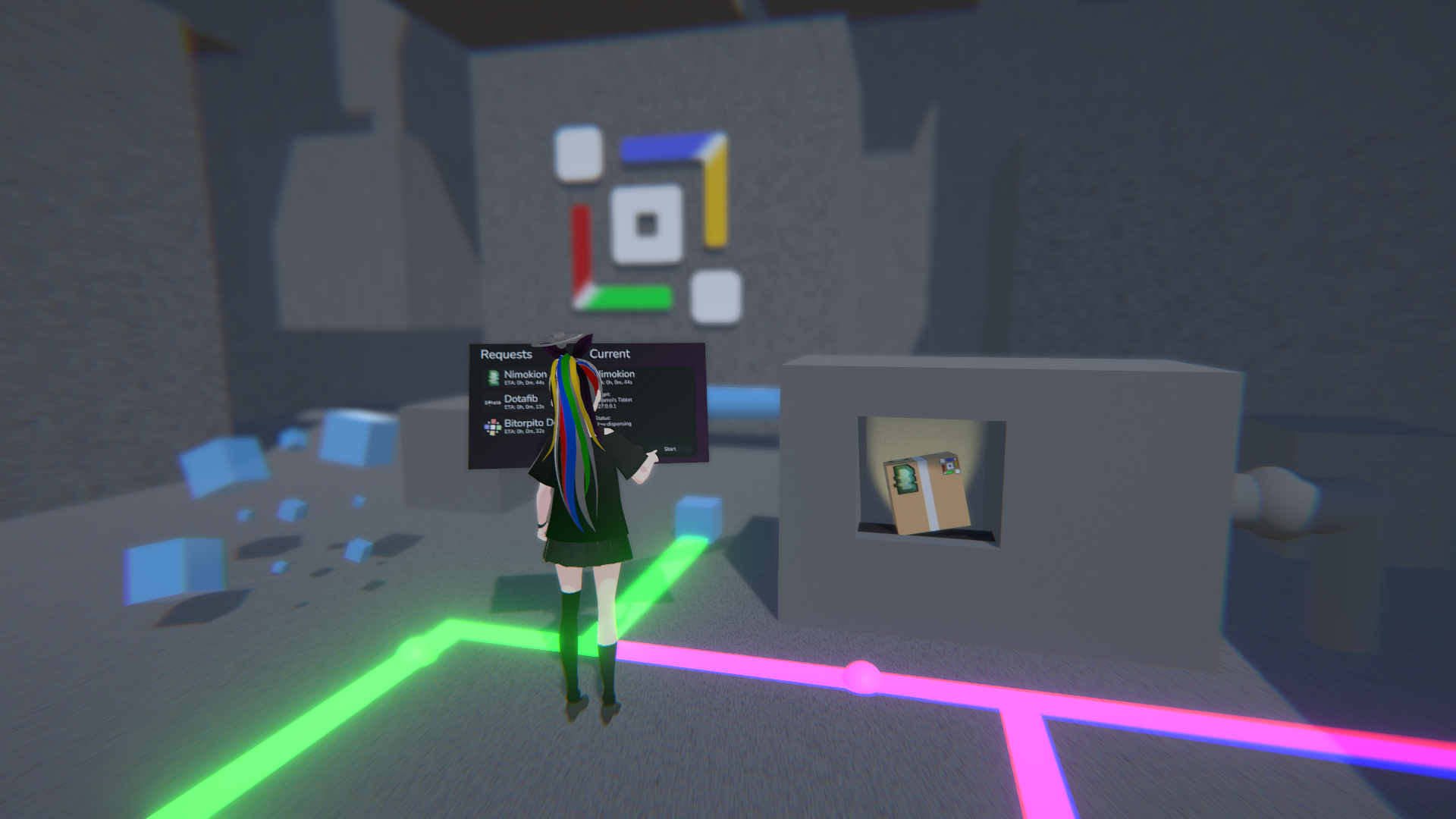
Last year for SplameiPlay’s 1 year anniversary, we announced our plans for the next major update for SplameiPlay, 5.0 Particle. Today, for SplameiPlay’s 2 year anniversary, we’re proud to announce that SplameiPlay’s next major update is finally ready for a full release! This update being the biggest and longest developed update SplameiPlay has seen, and we hope you like it!
Here’s everything we’ve changed:
The graphic preset system has arrived
We’ve added a new system to SplameiPlay to quickly test your device and to store the resulting score which can be used by projects to automatically set the graphics best suited for your device, so you don’t need to manually change them every time you play a new project. You can run the test, see your device’s score and reset it via settings, and configure which projects will see the score via the new manage dialog.
Meet the new welcome screen
We’ve added a new welcome screen which will help you understand more what you can get out of SplameiPlay and configure it more towards your needs. We’ll be constantly updating it as we add new features so look out for that!
Linux support is here
We’re expanding SplameiPlay to support Linux devices natively without the need of translators or emulators. You can use all of SplameiPlay’s features while keeping the simplicity and ease-of-use the app has. We’re working on porting as many of the native projects the app has to Linux so it may take some time. Custom projects are also supported so you add projects and distribute you own projects on Linux via SplameiPlay, without the need of building your own updating system.
Navigating the app has improved
- Added the queue system
- You can now queue multiple projects up to be downloaded instead of waiting for one to finish
- Added the manage project dialog to set boot arguments, graphic settings and see the projects version code
- Made it so the sidebar will highlight the current page
The app is easier to access and use
- Added the ability for Start Menu shortcuts to be made
- Made it so projects can be displayed and launched via a URI
- Made it so the message when waiting for the app to finish installed a project before closing now displays the download percentage, speed and queue size
- Made it so SplameiPlay can now display the download size for projects
- Made it so the ID, name, install date and updated date for a project will now be displayed on project pages
Projects have been changed
- Updated the assets for ‘Dotafib by Splamei’ and ‘Rhythm Plus – Splamei Client by Splamei’
- Added a new and improved server syntax
- Projects will need to update to the new syntax as the older syntax is now longer supported
- Added support for a dual downloadable system
- This system is only used for third-party native projects. It’s not usable by custom projects
- Added ‘SplameiPlay Studio by SplameiPlay’
- Made it so projects can now have float version codes
- Removed ‘Bitorpito Deluxe by Splamei’ and ‘VWisher by Splamei’
SplameiPlay Policy changes
- Adjusted the terms used by the Policy
- Made it so the policy can no longer prevent update checking
The UI has been adjusted
- Made it where the project page background scrolls with the page’s content
- Changed the UI to have subtle gradients
- Made it so the app’s title bar will change based on the current selected page
- Added SplameiPlay-Chan within parts of the UI
- Made it so the build data will show in settings
- Made the download progress show as 1 d.p.
- Made the sidebar bigger and more spaced out
- Adjusted the SplameiPlay birthday home effect
- Disabled showing your username in the hello text
- Changed the fave icon from a star to a heart
- Updated some other assets
- Added a button to reload the app without fully restarting it
Controlling the app is now easier
- Added a ‘Browse’ button to set the install location via a pop up (Windows only)
- Added a button for importing theme and installer files in Settings
Errors are easier to understand
- Added a button that will open the official bug report GitHub page
- Added verbose mode to show more details on the error/exception screen
- Merged the SplameiPlay file exceptions into one exception (0x00F)
- Updated the error/exception screen and added a QR code
- Improved error handling
- Made it so critical error/exceptions will occur when an unhandled exception occurs
- Made it so the part of SplameiPlay that triggered an error/exception will occur in the error/exception screen
- Added some more error/exception codes
SplameiPlay Flow is here
We announced we’ll be moving away from the older Splamei Network and to the new SplameiPlay Flow system. This update implements the change into the mainline SplameiPlay so we can provide a more robust system for the long-term growth of the app and projects. We don’t fully know what will happen to the Splamei Network however, we’ll update you when we make a decision.
Other changes have been made
- Improved how SplameiPlay starts projects
- Fixed a bug where Discord RPC displayed the wrong project name
- Made the notifier boxes to be less transparent
- Added the Particle background and gradient theme
- Improved how SplameiPlay stores data
- Data can now expire to prevent excessively large save files
- Adjusted some text to make it easier to understand
- Fixed some typos, spelling mistakes and improved clarification
- Adjusted how scroll view move
- Fixed a bug where it was not possible to close the dialog for adding a custom project via settings after the first stage
- Made it so the Discord RPC feature is no longer a trial feature
- Fixed a bug where the message about disabling recap would display after every boot when in the settings page
- Optimised how SplameiPlay will handle downloading files to reduce RAM usage
- Improved how SplameiPlay manages updates
- Improved how SplameiPlay stores it’s save data
- Fixed a bug where the app would attempt to remove old project files even if they don’t exist
- Fixed a bug where the save location would be incorrectly set in the settings page
- Added a check to prevent SplameiPlay from checking the same policy file again
- Improved how SplameiPlay handles installer files
- Fixed a bug where the about text in the settings page would not display when at a resolution above 1080p
- Made it so project files get deleted before extracting instead of at the start of updating
- Improved how SplameiPlay handles Splamei Utils
- Improved how the app handles launching custom projects
- Fixed a bug where custom projects could be still be installed even when disabled in the policy
- Adjusted how SplameiPlay stores it’s data for improved security
- Added zero division protection when installing projects
- Added a button to report projects
- Improved how SplameiPlay handles guidelines
- Fixed some other bugs and issues